We enter the operation before we enter the software.
VoxMapp begins with the people, files, handovers, decisions and bottlenecks behind daily work. We make one real process visible, build something the team can test, and only then configure the system around it.
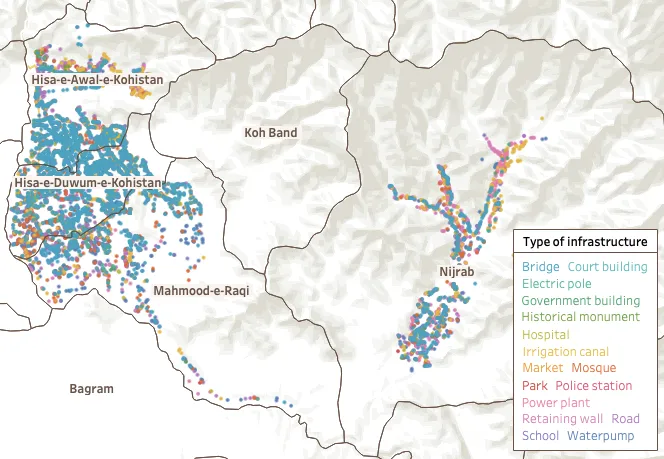
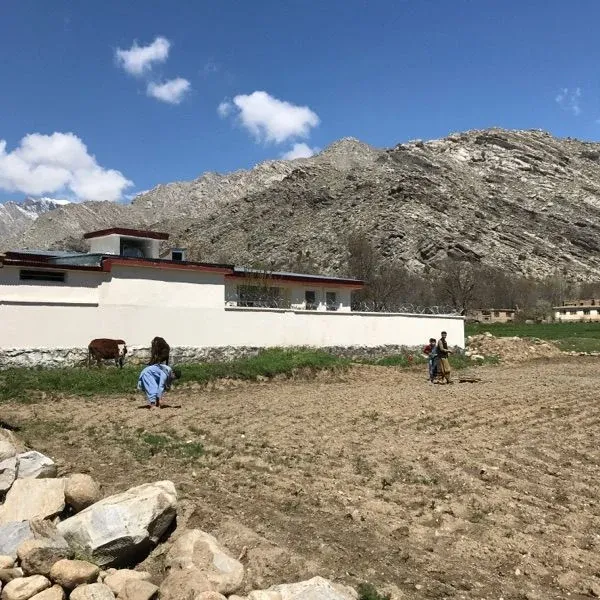

Phase 1 of 8: Observe the real operation
The first deliverable is a clearer picture of how work really happens.
Which file people open, who they call, where they wait, what they re-enter and where visibility disappears.
- People
- Who actually runs, checks, approves, supplies, manages or uses the operation?
- Existing material
- Forms, spreadsheets, reports, catalogues, invoices, stock lists, technical files and sample records.
- Handovers
- Where information moves between people, teams, suppliers, locations or systems.
- Blind spots
- Where work is duplicated, delayed, re-entered, misunderstood or dependent on one person’s memory.
Phase 2 of 8: Reconstruct one real workflow
Start with one meaningful operational pathway.
Rather than trying to model the entire organisation at once, VoxMapp follows one real piece of work from beginning to end. We identify each handover, decision, required input, validation and document along the way.
- StartWhere does the work actually begin?
- HandoverWho receives the next responsibility or information?
- DecisionWhat must be checked, chosen or approved?
- EvidenceWhat information or document makes the action trustworthy?
- OutcomeWhat operational result must remain understandable later?
The result is the first shared workflow map: one view of the whole process for every team.
- Production systemsOne product from design to delivery.
- Humanitarian / field workOne field visit from assignment to validation.
- Asset managementOne asset from registration to transfer or disposal.
Phase 3 of 8: Build a working prototype
The prototype is there to be challenged.
Using the client’s terminology, forms and representative data, VoxMapp turns the workflow into something people can see, test and correct before full deployment.
What a useful prototype makes discussable
“This approval is missing.”
“This field is unnecessary.”
“Management needs to see this earlier.”
“This cannot be mandatory in the field.”
The prototype becomes a shared object around which the future process can be discussed.
Phase 4 of 8: Agree the operational rules
The system reflects reality, but it also makes the rules explicit.
Once the prototype exposes the real requirements, VoxMapp and the client agree how the operation should work, with enough consistency to coordinate effectively without removing necessary flexibility.
- Roles & permissions
- Who can see, create, edit or validate what.
- Create · check · approve
- Who is responsible at each point in the process.
- Required information
- What must be present before work can continue.
- Dependencies & controls
- Which stages rely on earlier actions and where checks apply.
- Alerts & exceptions
- What should trigger attention.
- Views & documents
- What each role needs to see and what the system must produce.
Phase 5 of 8: Configure the system and prepare the data
The system starts from a clean, structured base.
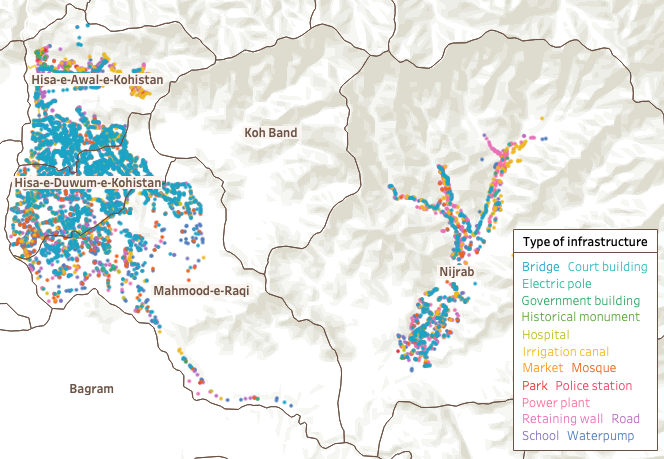
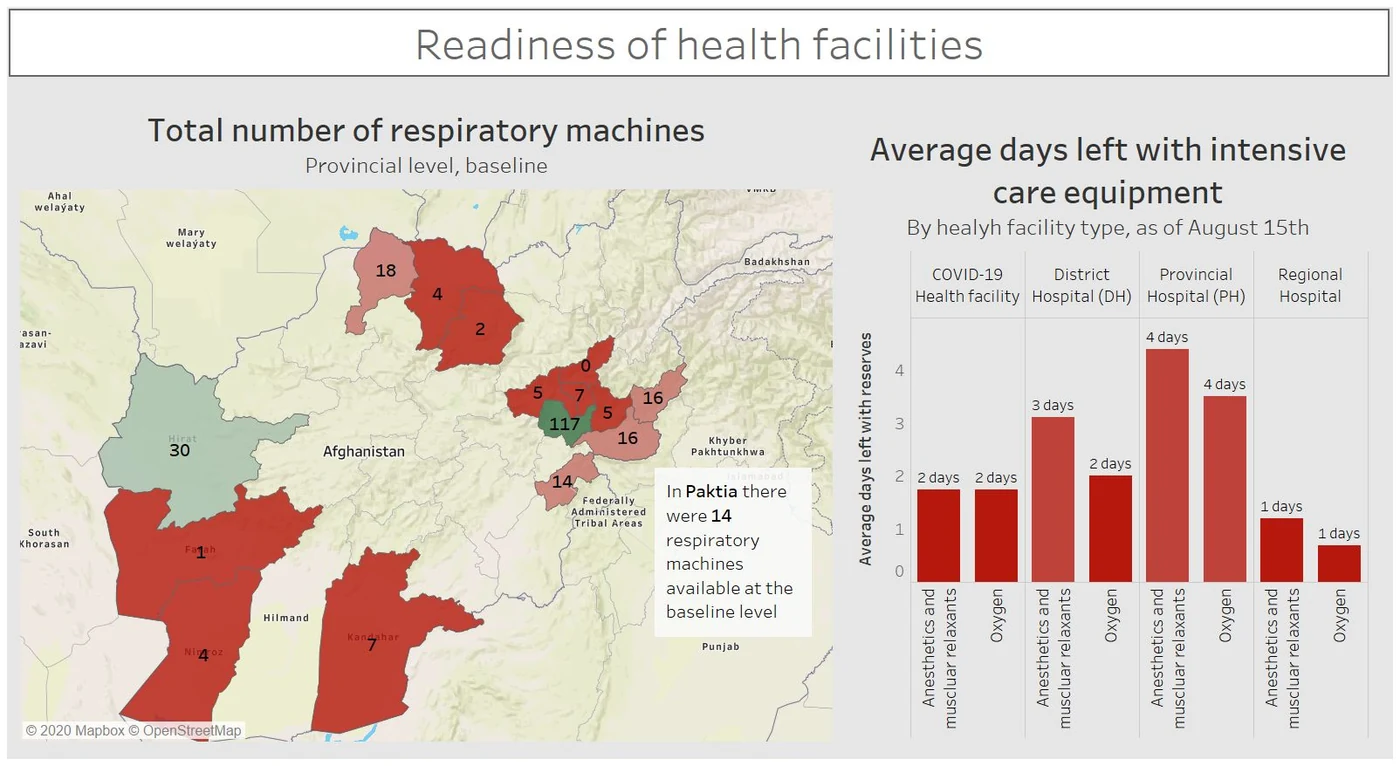
Forms, workflows, user roles, validation hierarchies, dashboards, maps, reports, documents and relevant system connections are configured around the agreed operating model. Existing data is reviewed, cleaned, structured and migrated so the operation begins from a usable base.
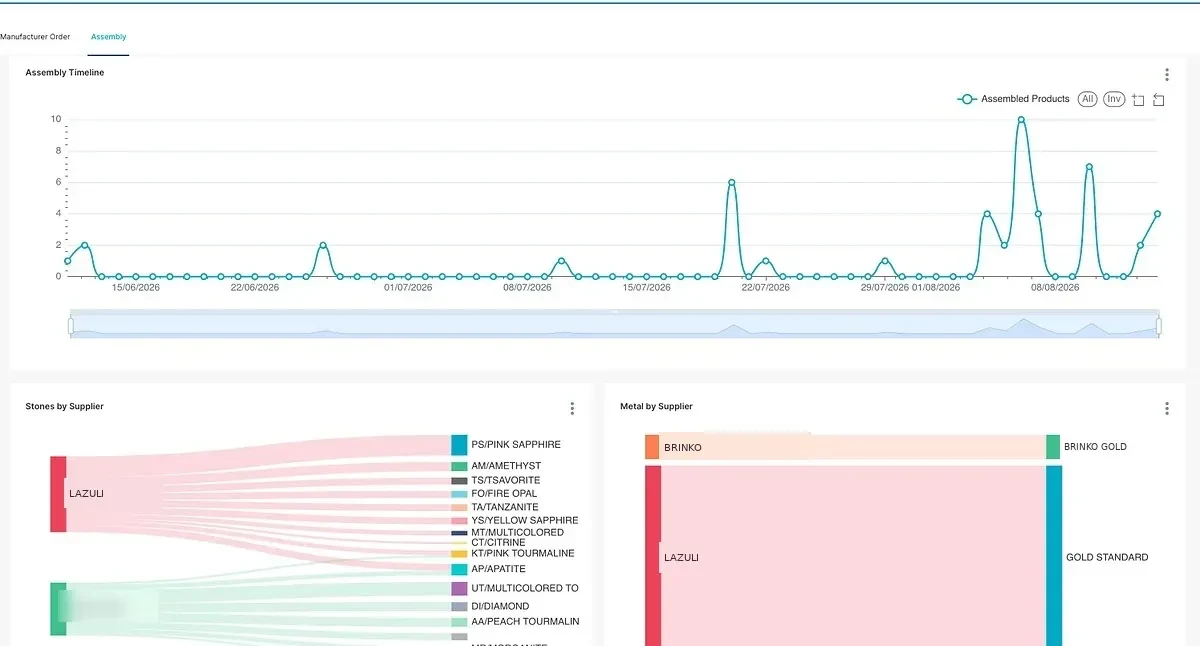
Phase 6 of 8: Test in real conditions
Real work is where unnecessary complexity becomes visible.
The system is first tested with sample data and then with the client’s real data. A limited team or process begins using it in realistic conditions while VoxMapp observes what the specification could not reveal.
- Where users hesitate
- Interactions that still feel unnatural or unclear.
- Fields that take too long
- Data entry that creates friction without adding enough value.
- What is misunderstood
- Definitions, controls or instructions that need clarification.
- Controls that are excessive
- Approval or validation steps that slow work unnecessarily.
- Side tools returning
- Where users still fall back to spreadsheets, messages or parallel records.
- Delays that remain
- Where the workflow still loses time or responsibility becomes unclear.
The system is adjusted until it supports the work naturally.
Phase 7 of 8: Train for the role
Field users, specialists, managers and administrators each get their own training.
Training is organised around what each person must accomplish: the information they provide, the actions they validate, the views they monitor and the decisions their work supports. Documentation and support reinforce the new working habits.
Field user
Capture the right evidence with the least possible friction.
Specialist
Review, interpret and validate the information that needs expertise.
Manager
See status, exceptions, responsibilities and where action is required.
Administrator
Maintain the structure, quality rules, access and operational continuity.
Phase 8 of 8: Observe adoption and keep improving
Implementation continues after go-live.
VoxMapp monitors actual use, gathers feedback and identifies where work is still duplicated, information remains incomplete, screens should be simplified or additional teams and workflows can be connected.
The next cycle inherits the reference, relationships and history already created.
- 01ReferenceThe live operation already has a usable structure.
- 02AdditionNew events, checks and observations attach to it.
- 03HistoryPatterns, differences and recurring friction become visible.
- 04+Next questionLater decisions begin with context already available.
- Observe
- Reconstruct
- Prototype
- Agree
- Configure
- Test
- Adopt
- Improve
One implementation principle: the operation comes first.